At a glance
- Get found locally: A well-set-up Google Business Profile can help your business appear more often in local searches and Google Maps.
- Build trust faster: Accurate details, real photos, and strong reviews can help your business look more credible before people even visit your website.
- Win more enquiries: A better profile can lead to more calls, messages and website clicks without relying on Google Ads.
- Focus on the basics first: Key setup steps like choosing the right category, adding services and keeping your details consistent can make a noticeable difference.
- Stay active, not perfect: Small ongoing actions like adding photos, collecting reviews, and posting updates can help keep your profile working well over time.
- Keep it manageable: A simple weekly and monthly routine can help you improve your profile without it becoming another overwhelming task on your list.
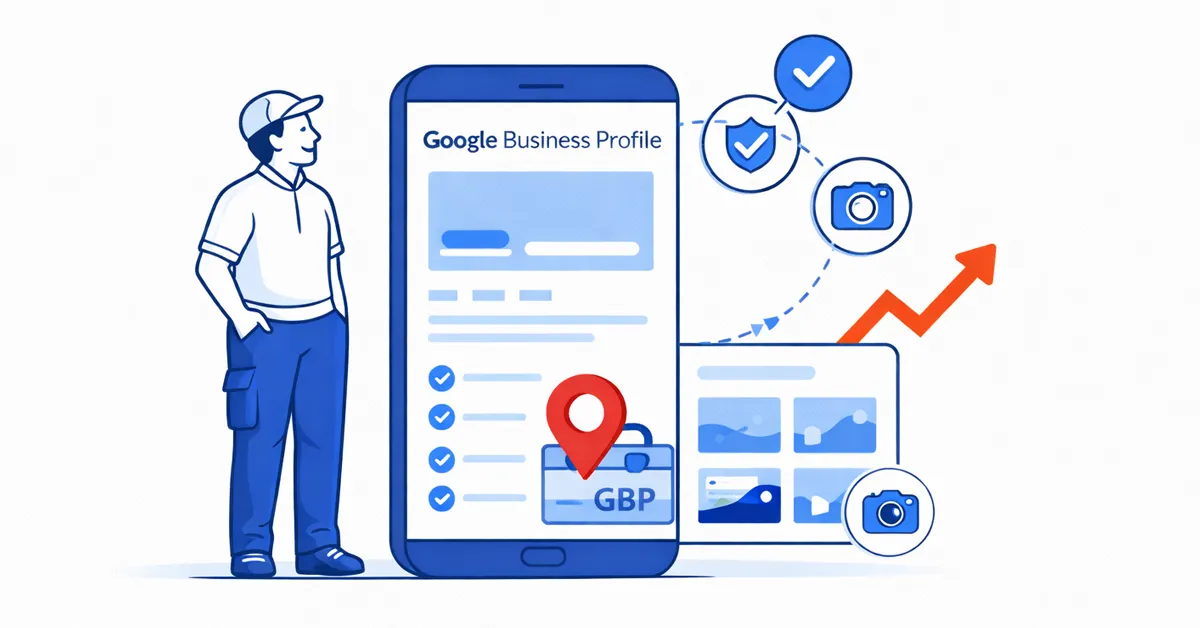
If you’re a local or small business, your Google Business Profile (GBP) is one of the most important parts of your online presence.
It’s what shows up when someone searches for your service in your area – especially on mobile – and it’s often the first thing people look at before they call, message, or visit your website.
Best of all, given it plays such a big role in local SEO (search engine optimisation), Google Business Profile is completely free to set up and use.
The problem is most business owners either haven’t set it up properly – or they set it up once and never touch it again.
And that’s a real shame, because a well-optimised Google Business Profile can genuinely help you:
- Appear more often in local searches and Google Maps
- Look more trustworthy than your competitors
- Get more calls, messages, and website clicks
- Win enquiries without spending on Google Ads
So if you’re concerned your Google Business Profile might be underperforming and negatively affecting your business online, read on.
This guide is written for local and small UK businesses (such as trades, salons, trainers, advisers, agencies, or anyone else who gets customers locally).
I’ll walk you through what to set up, why it matters, and how to keep it working – without it becoming yet another thing on your hectic to-do list.
Google Business Profile setup checklist
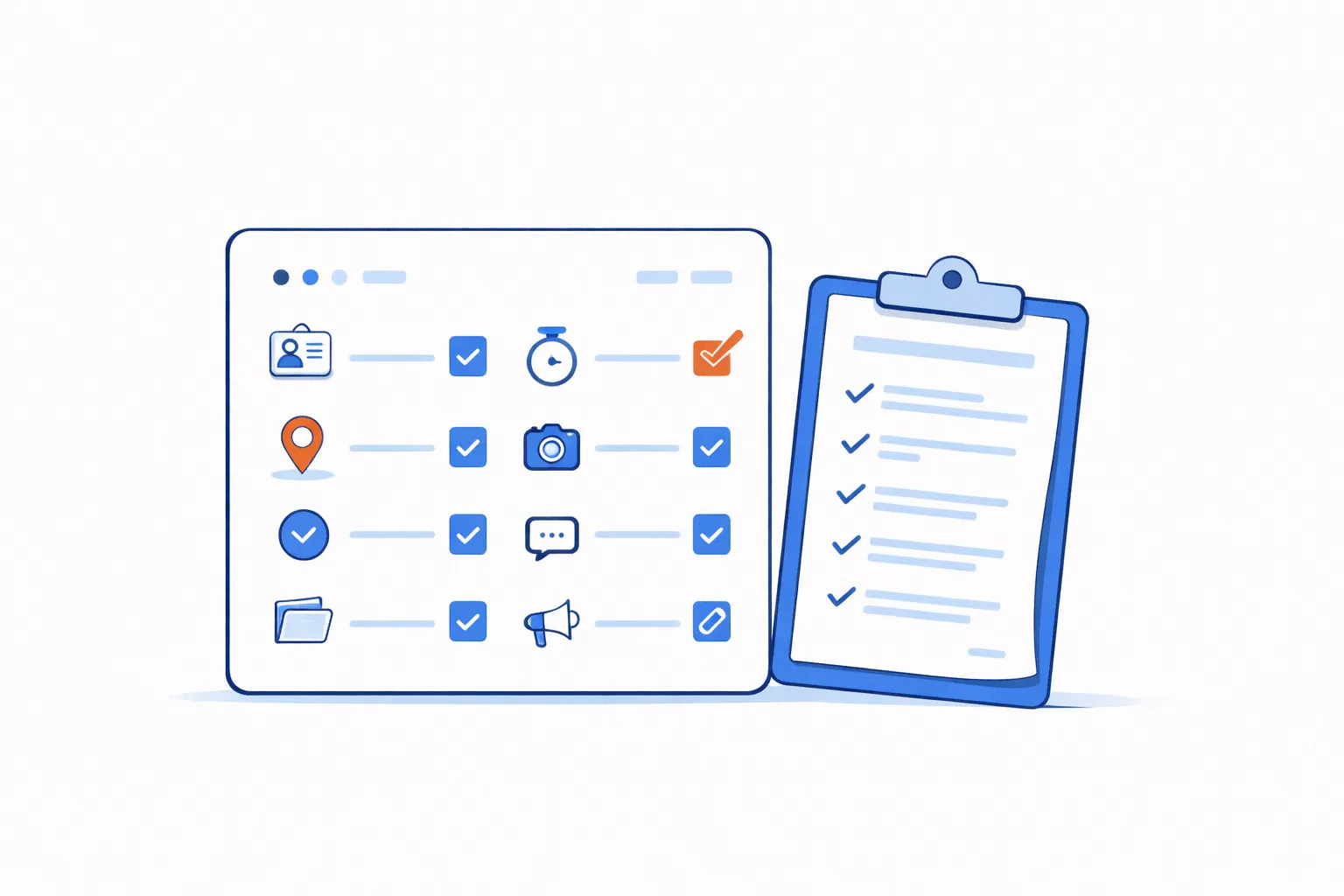
If you want the quick checklist first, here’s the “must do” setup for a Google Business Profile that actually works for you.
Don’t worry if you can’t do all of this in one go – even fixing the basics and building a simple habit will make a noticeable difference over time.
- Claim and verify your profile
- Set the correct business name, address/areas, phone, website (NAP consistency)
- Choose the right primary category (this matters more than people realise)
- Add services properly (not just in the description)
- Set service areas (if you travel to customers) or address (if customers visit you)
- Add opening hours (and keep them updated)
- Write a clear business description (what you do + who you help + where)
- Upload real photos (not stock images)
- Set up a simple review habit (and respond to every review)
- Turn on messaging if you can respond reliably
- Use Posts and Updates occasionally (especially to share new work/content)
- Check Insights monthly so you know what’s driving enquiries
That’s the foundation. Now let’s break each one down in a way that’s easy and practical.
What is a Google Business Profile and why does it matter so much?
Your Google Business Profile is what appears when someone searches:
- Your business name
- Your service + your area (e.g. “electrician in Sidcup”)
- “Near me” searches (e.g. “physio near me”)
It shows up in:
- Google Maps
- The “map pack” (the block of local listings under the map)
- The knowledge panel on the right-hand side (desktop)
It often includes your:
- Phone number and call button
- Directions
- Website link
- Photos
- Reviews
- Services
- Opening hours
- Posts/updates
In other words, it’s like a mini website inside Google detailing all your essential information.
And it’s often the first impression someone gets of your business – so it’s important to make it stand out as best as possible.
Now let’s take a closer look at those 12 setup steps you should take for your business’ profile.
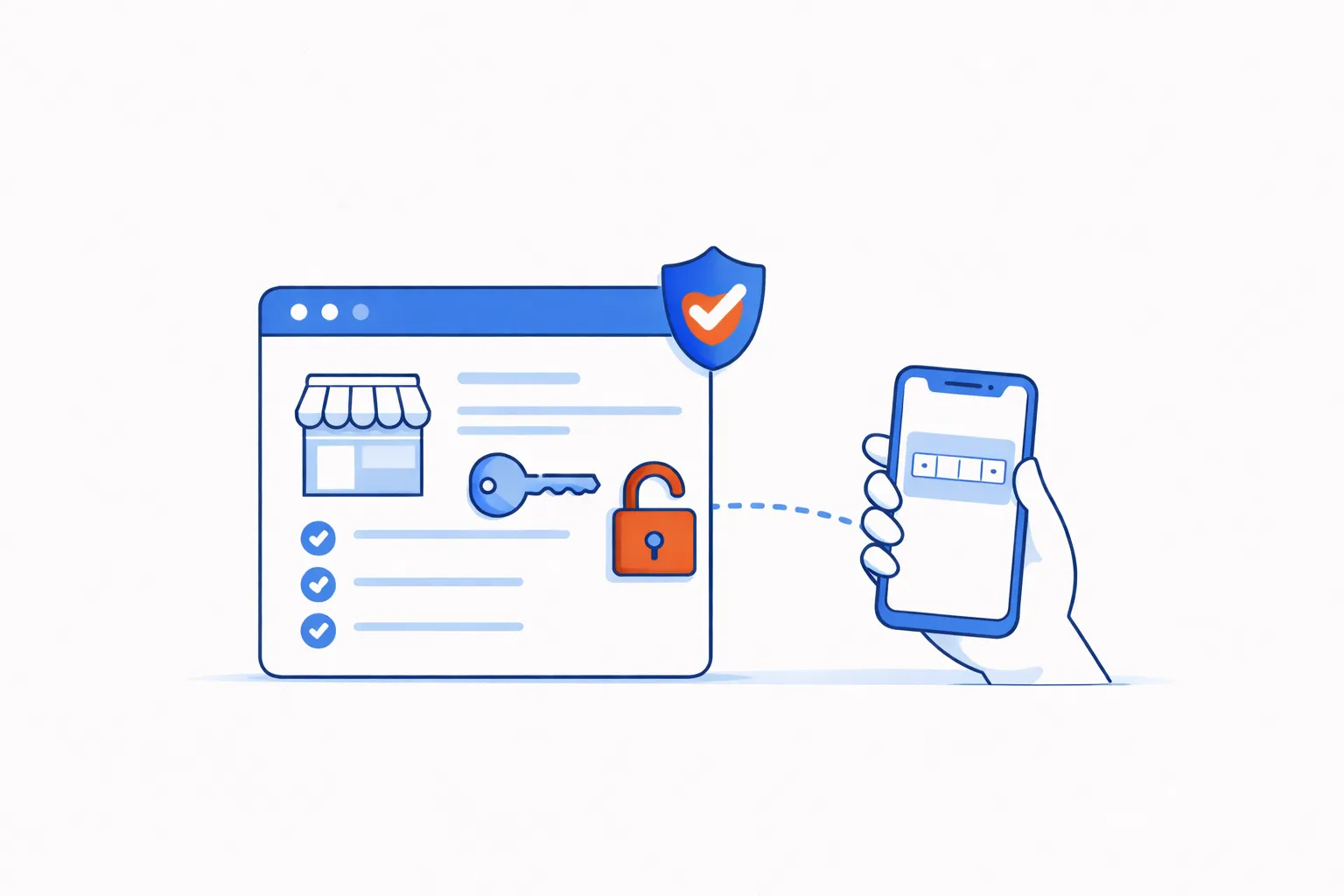
1. Claim and verify your profile – so you actually control it
Before anything else, you need to make sure you own the profile.
Sometimes a profile already exists because:
- A customer created it
- Google auto-generated it from public data
- You created one years ago and forgot the login (you’d be surprised how often I hear this happen)
Claiming and verifying proves you are the real business owner, and it gives you control over the profile, including:
- The category and services
- The photos
- The business info
- The review responses
- Posts and updates
- Messaging
To do this, you need to:
- Search your business name on Google and click “Own this business?” / “Claim this business”
- Follow the verification process (either video, phone, email, or postcard – this varies by business)
What to do if your Google Business Profile doesn’t exist yet
Whether you are a new business just starting out, or an existing business which doesn’t have a profile appear when you search your business name, you’ll need to create your Google Business Profile from scratch.
You can do this by heading to the Google Business Profile page, clicking “Start now”, then following the setup steps to add your business name, category, location/service area and contact details.
Once it’s created, you’ll be prompted to verify it so you can start editing and optimising everything properly.
2. Get your basic details right (NAP consistency)
NAP stands for Name, Address, Phone number – and consistency matters for local SEO.
Google wants to trust that your business is real and stable. If your details are inconsistent across the web (e.g. your website, Facebook Page, directories, GBP), it can cause confusion and weaken local visibility.
So make sure these are correct:
- Business name (use your real trading name — no extra keywords)
- Address (if customers visit you)
- Service areas (if you travel to customers)
- Phone number
- Website link
- Opening hours
Important: Don’t add extra keywords to your business name (e.g. “Steve’s Plumbing – Emergency Plumber Sidcup”). This can get your profile suspended.
3. Choose the right category – this is the biggest ranking factor
Your primary category is one of the strongest signals you can control – as it essentially tells Google what you are.
For example:
- Electrician
- Plumber
- Hairdresser
- Physiotherapist
- Mortgage broker
- Personal trainer
- Construction company
Choose the closest match to your main service. Then add secondary categories only if they genuinely apply to your business.
One common mistake many small business owners make is choosing a category that sounds nice, rather than accurate.
If you’re a builder, don’t choose “Home improvement shop”. If you’re a personal trainer, don’t choose “Gym” unless you are one.
How to choose:
- Pick the category that best describes what you want most enquiries for
- Check what successful competitors in your area use (don’t copy blindly, but use it as a clue)
Try not to add lots of secondary categories “just in case” – too many can muddy the waters. Stick to what you genuinely offer.
4. Add your services properly – so you show up for more searches
This is where many profiles miss easy wins.
Google lets you list your services. When you fill these in properly, you increase your chances of appearing for relevant searches.
Let’s take a look at some examples which may spark some inspiration for you.
Example for a bathroom fitter:
- Bathroom installation
- Walk-in shower installation
- Bathroom tiling
- Wet room installation
- Bathroom refurbishment
Example for a beauty business:
- Lash extensions
- Brow lamination
- Laser hair removal
- Dermaplaning
- Skin consultation
Example for a personal trainer:
- Personal training for beginners
- Weight loss coaching
- Strength and conditioning
- Online coaching
- Postnatal fitness
- Small group training
Think of what customers actually type into Google and be specific. Avoid vague services like ‘repairs’ or ‘treatments’ on their own – the more specific you are, the more likely you are to show up for the right searches.
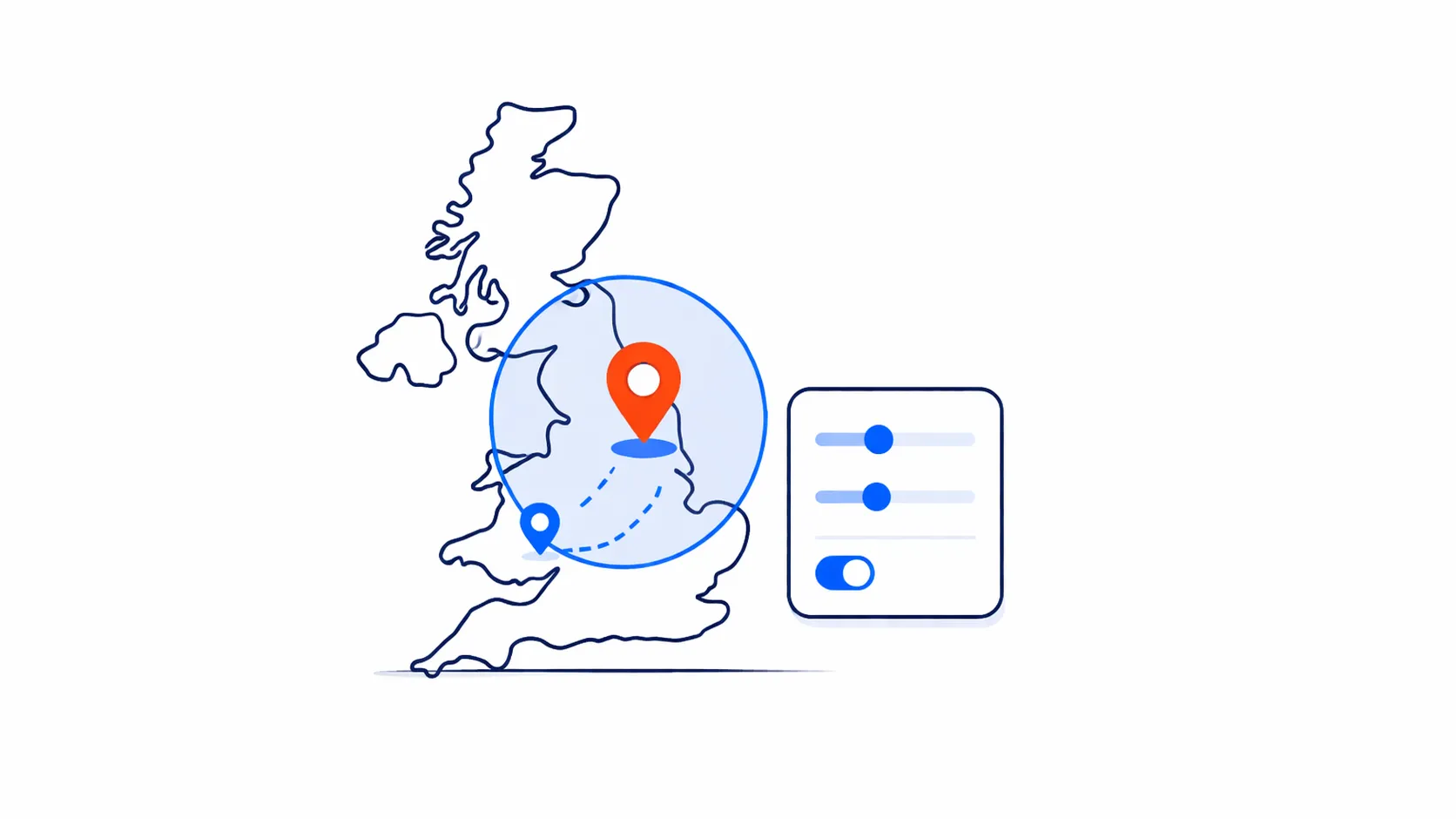
5. Set your service area correctly – especially if you travel
If customers come to you (like a beauty salon), your address should be visible so it can appear on Google Maps.
If you travel to customers (like a builder), you can hide your address and set a service area instead.
For service area businesses, the best practice to follow is:
- Choose the areas you actually serve regularly
- Don’t set a service area that’s unrealistically wide
- If you want more work in particular towns, include them as long as you genuinely cover them
As an example, for south-east London and Kent businesses, this might include places like Bexleyheath, Sidcup, Welling, Eltham, Dartford, Bexley, Erith, Crayford, Bromley, Orpington, and Swanley – but remember, only include locations if they are relevant to your business.
6. Set opening hours – and keep them accurate
This sounds basic, but it can be surprisingly overlooked by some local businesses.
Inaccurate hours can cause:
- Lost enquiries
- Annoyed customers
- Negative reviews (“I turned up and it was closed”)
- Being contacted at unsociable times (especially if you set your business to being open 24/7)
Also make sure you update your opening hours for:
- Bank holidays
- Seasonal changes
- Special closures
- Late appointments (if you take them)
Handily, Google will often email you ahead of things like Christmas to remind you to update your opening hours – but it always helps to be proactive with this so you know it’s done.
If you’re a service business that answers calls outside of office hours, you can reflect that, but only if it’s genuine.
7. Write a clear business description designed to appeal to your ideal customers
Your description isn’t a place for marketing waffle – it’s a place for clarity.
A strong description explains:
- What you do
- Who you help
- Where you work
- What makes you a good choice (including trust signals such as years of experience, guarantees, accreditations, or anything else relevant)
For example, a bathroom fitter based in South East London may have a description something like:
“I provide quality bathroom installations and refurbishments for homeowners in Bexleyheath, Sidcup, Dartford, and all surrounding areas in South East London and North Kent. From full bathroom refits to tiling and walk-in showers, I handle the job from start to finish. I pride myself on clear communication, tidy work, and attention to detail. I am fully insured and have over 10 years’ experience in quality bathroom renovations.”

8. Upload real photos – this is huge for trust and clicks
Anyone can set up a Google Business Profile, so as mentioned it’s important you share as much accurate, authentic information about your business as possible.
And one of the most important elements of showcasing authenticity is real photos of your work – people want proof and to feel confident they can trust you.
So they want to see:
- What you actually do
- What your work looks like
- What to expect
- That you’re real
It’s unsurprising then that photos are one of the biggest conversion drivers on Google Business Profile.
Depending on your business and what you do, you can aim to share photos of:
- Your team (even if it’s just you)
- Your van/signage (if relevant)
- Your premises (if customers visit)
- Real projects (before/after where appropriate)
- Close-up detail shots
- “In progress” shots (shows authenticity)
Try to upload new photos regularly – even if it’s just a few a month – to show people your business is active.
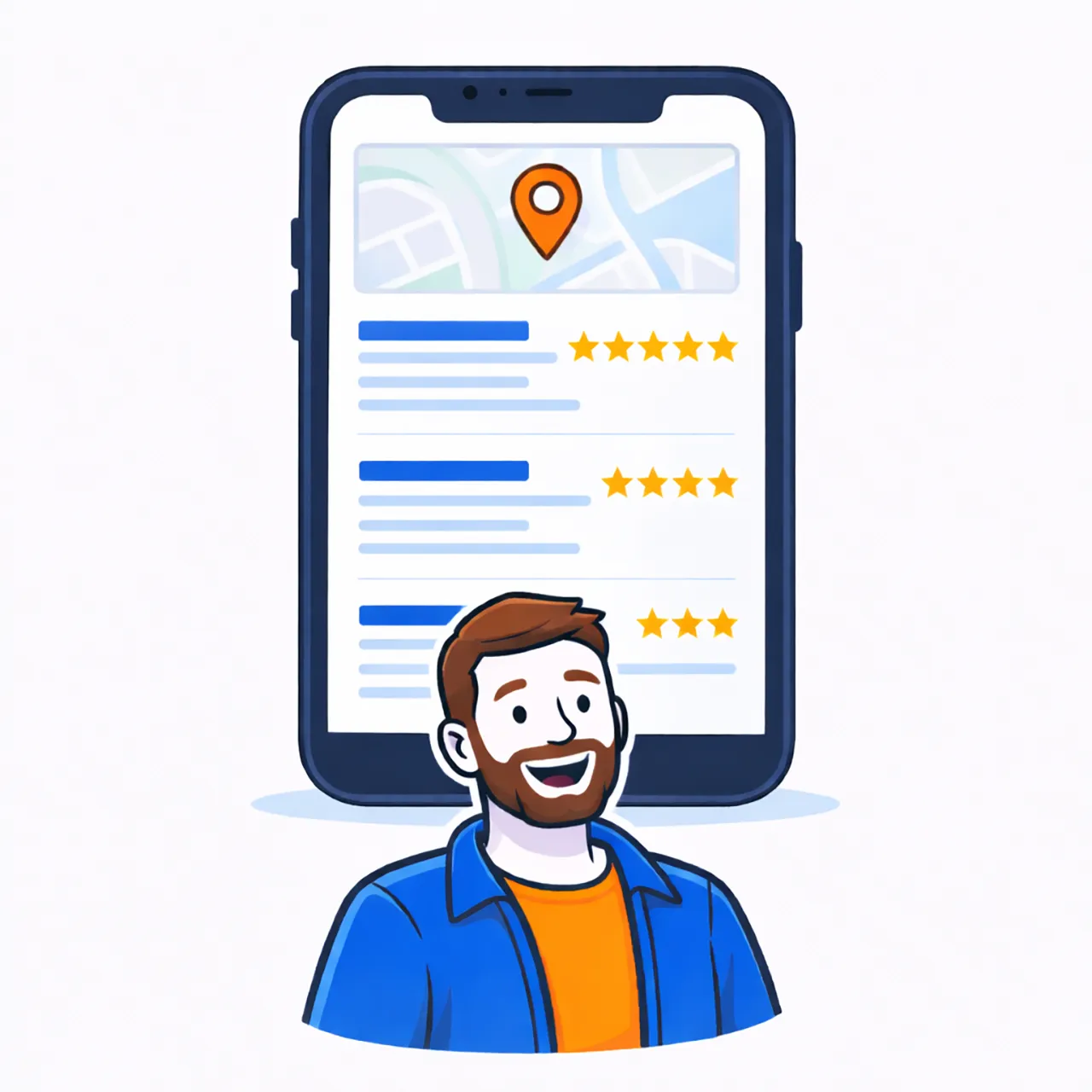
9. Reviews: build a simple habit and respond to every review
Think back to the last time you ever bought something online or booked a service from a local company.
Chances are you checked out the reviews of that business – both good and bad – before completing your purchase.
Reviews are one of the biggest trust signals on the internet and will inevitably help guide a huge number of your potential customers – so it’s critically important you stay on top of your business reviews.
For many customers, it’s as simple as:
- “Who has the best reviews?”
- “Who seems reliable?”
- “Who feels safe to contact?”
You don’t need hundreds overnight – not least because Google would think something fishy is going on.
Instead, you need a steady trickle of (hopefully 5-star!) reviews to show customers you’re active and trusted, and to keep your profile looking fresh.
A simple review generating habit you can get into is:
- Ask after a job is complete and the customer is happy
- Make it easy (Google provides a link and QR code you can send to customers)
- Keep it polite and low-pressure
- Respond to every review (even short ones) – this builds trust, shows you’re active, and helps future customers choose you.
You could also take it a step further and get some “Review us on Google Business” leaflets or business cards printed with the direct QR code on to leave with customers or email to them.
10. Turn on messaging – but only if you can reply
Enabling messaging (via text message or WhatsApp) on your Google Business Profile can be brilliantly helpful – especially for trades and services where people want a quick answer.
But only enable it if you can respond reliably. Otherwise it creates missed leads and frustration.
If you do enable it, make sure you:
- Enable notifications
- Set up a simple “Thanks for your message” auto-response if possible
- Keep replies short and helpful
- Move to call/quote when needed
This smooths the customer experience, making them more likely to choose you for what they need.

11. Use posts to showcase your business
Most people are unaware, but Google Business has a posts feature that lets you share:
- Links to your website content (blogs, guides, portfolio posts)
- New projects
- Offers (if relevant)
- Seasonal tips
- Events
This is a really effective way to show both Google and users that you are active and get more benefits out of your content marketing efforts.
You don’t need to post every day – even once a fortnight can help show activity and give Google fresh signals.
You could perhaps get into a routine of posting a regular pattern of content, such as:
- Share a recent job
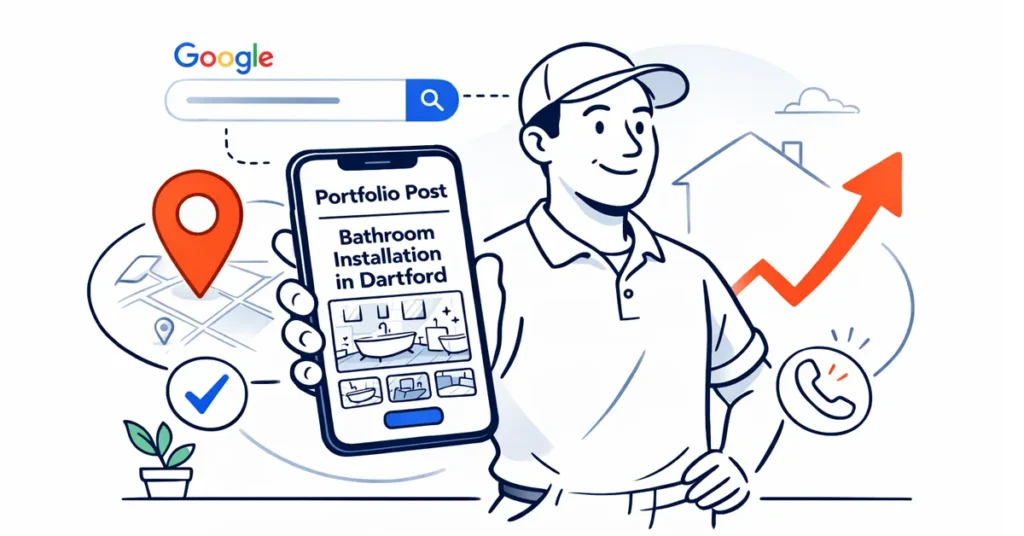
- Link to a portfolio post
- Share a helpful tip
- Link to a guide
Posting this sort of content establishes more trust with users and is another effective way to help your small business get found in local searches.
12. Check your Profile performance monthly – so you know what’s working
Your Google Business Profile gives you important performance data, including:
- Interactions (calls, messages, bookings, direction requests)
- How people found you (search terms)
- Platform and device breakdown
- Website clicks
- Profile views
This is really useful information because it shows what people are actually searching for when your business appears.
In turn, this can influence:
- Your website content ideas
- Your service list
- Your wording
- Where you want more visibility
In short, knowing how your Profile is performing allows you to shape continual improvements to help you get found by the right people more often.
Common issues that stop you showing up locally
If your profile isn’t appearing as often as you’d expect, it’s usually because of one of these simple problems:
- The wrong primary category
- Inconsistent business details (old phone number/address on other sites)
- Duplicate listings (two profiles competing with each other)
- Keyword-stuffing in the business name (can trigger suspensions)
- An address/service area setup that doesn’t match how you operate
If you fix these first, everything else becomes much easier.
A quick myth to ignore: “I need to do everything perfectly”
Because you don’t.
To be honest, the majority of business profiles are likely to be under-optimised. So if you get the foundations right and keep your own profile active in small, consistent ways, you’ll already be ahead of most of your competitors.
Start simple:
- Correct category
- Accurate details
- Real photos
- Regular reviews
- Occasional updates
And that’ll be enough to make a difference and help your business get found locally.
A simple weekly/monthly routine to stay on top of your Google Business Profile
I know how busy you are spinning plates as a small business owner, so here’s a realistic routine that may help you stay on top of your Google Business Profile.
Weekly
- Add 1–3 new photos (or ones from your archive) if you have them
- Reply to any new reviews
Monthly
- Add a post/update (e.g. a recent job, tip, blog, or guide)
- Check your performance insights
- Update opening hours if needed
After every happy job
- Ask the customer to share a review
As I say, consistency beats intensity.
Final thought: your Google Business Profile should be working as hard as you are
A well-set-up Google Business Profile is one of the simplest ways for your small business to get more local enquiries – without spending money on things like Google Ads.
However, it’s also one of the easiest assets to neglect.
If you take an hour to set it up properly and follow a simple routine, it can quietly bring you calls and messages in the background while you’re busy running your business.
If you’d like me to sense check your profile – or would like me to look after it for you – drop me a message and we can have a chat.