


At a glance
- Better local visibility: Portfolio posts help you target service and location searches naturally, making it easier for nearby customers to find you.
- More trust: Real jobs, real photos, and real results help prove your experience and make your business feel more credible.
- Stronger SEO: These posts can help you rank for more specific long-tail searches that often show higher buying intent.
- More useful content: One portfolio post can support your website, social media, and Google Business Profile all at once.
- Better conversion support: Portfolio posts give potential customers clear proof of your work and can help turn interest into enquiries.
- Easier than blogging: Because the content is based on real jobs you have already completed, portfolio posts are often quicker and easier to create consistently.
If you run a local business, you’re probably sitting on one of the most valuable types of website content there is – without even realising it.
It’s not a fancy blog post. It’s not a big “ultimate guide” to your services.
It’s your real jobs.
A portfolio post (sometimes called a project post, case study, or “recent work” post) is a simple page on your website that documents a completed job – ideally with photos, a short explanation, and the key details people care about.
Done properly, portfolio posts can be absolute gold for local SEO – because they help your business show up when people nearby search for the services you offer.
This is because they let you naturally combine:
- What you did (service)
- Where you did it (location)
- Real proof (photos + results)
- Trust signals (reviews, process, reassurance)
This guide will show you why portfolio posts work so well for local businesses, how they help you rank locally, and how to create them in a way that turns visitors into enquiries.
What is a portfolio post and how is it different from a normal blog post?
A standard blog post is usually informational, e.g. tips, advice, how-to guides, and explanations.
A portfolio post is proof-based.
In other words, it’s a page that answers the question your potential customers are already thinking: “Have you done something like what I need before… and did it turn out well?”
A good portfolio post typically includes:
- A clear title (service + location)
- A short intro (what the customer needed)
- What you did (your approach/process)
- Photos (before / during / after if possible)
- The result (what changed / what the customer got)
- A testimonial or review (if available)
- A clear next step (link to your service page / contact form)
Who portfolio posts work especially well for
Portfolio posts can benefit almost any local business, but they’re particularly powerful if you sell something visual, practical, or trust-based – where customers want proof before they enquire.
For example:
- Trades (builders, plumbers, electricians, decorators, landscapers)
- Home improvement (bathrooms, kitchens, extensions, flooring)
- Beauty and aesthetics (treatments, transformations, before/after where appropriate)
- Fitness and wellbeing (client journeys, programmes, outcomes)
- Professional services (consultants, agencies, specialists – “case study” style posts)
Essentially, if you ever hear “Have you done something like mine before?” from customers, portfolio posts are for you.
Why portfolio posts are powerful for local SEO
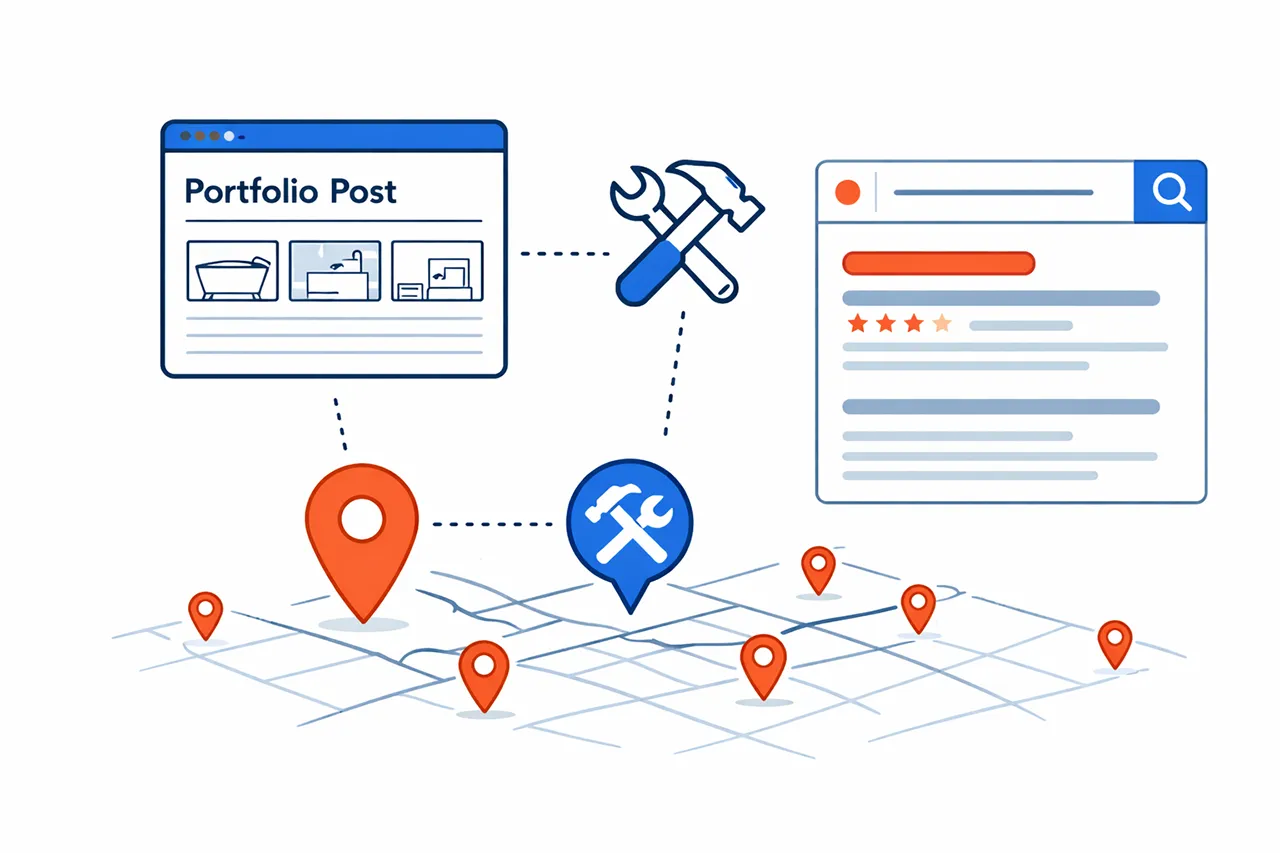
Local SEO is basically about proving two things:
- You offer the service, and
- You offer it in (or near) the location the customer is searching from.
When it comes to advertising what you do on your website, service pages do a lot of heavy lifting – but they’re often broad and a bit generic by necessity.
However, portfolio posts are different. They’re specific, real, and naturally packed with the kind of detail Google (and customers) love.
Essentially, they help your site build a bigger local footprint, so you’re not relying on just one or two pages to get found.
Now let’s look at the 14 key ways portfolio posts help grow your business online and get what you really want: more enquiries and more work.
1. They target service + location keywords naturally
One of the biggest benefits is that portfolio posts let you target keyword phrases that match your services and coverage areas.
Naturally, these will differ depending on your business, but examples include:
- Bathroom Installation in Dartford
- Block Paving Driveway in Bexleyheath
- Kitchen Refurbishment in Sidcup
- Boiler Replacement in Eltham
- Garden Landscaping in Welling
These kinds of searches are incredibly valuable because they show clear intent – the person isn’t casually browsing, they’re looking for someone to do that job in that area.
Best of all, you don’t need to awkwardly “SEO-stuff” anything.
If the job genuinely happened in Dartford, and you genuinely installed a bathroom, it’s natural to say so.
2. They help you rank for long-tail keyword searches (which often convert better)
Portfolio posts don’t just help with “service + town” searches.
So long as you include the specifics about the work you’ve carried out, they also capture long-tail searches – the very specific phrases people use when they’re closer to a decision.
For example:
- “Small bathroom renovation Dartford”
- “Walk-in shower installation”
- “Victorian terrace kitchen refurb”
- “Porcelain patio installation”
- “Media wall with built-in fireplace”
- “Personal trainer for beginners with back pain”
These searches usually have:
- Lower competition
- Higher intent
- Better conversion rates
A service page can’t realistically cover every niche detail without becoming a massive wall of text.
On the other hand, a portfolio post can cover those details naturally because it’s describing one real job.
3. They showcase experience, expertise and credibility
People don’t want to take a gamble when they’re spending their hard-earned money, even if it’s a relatively small job.
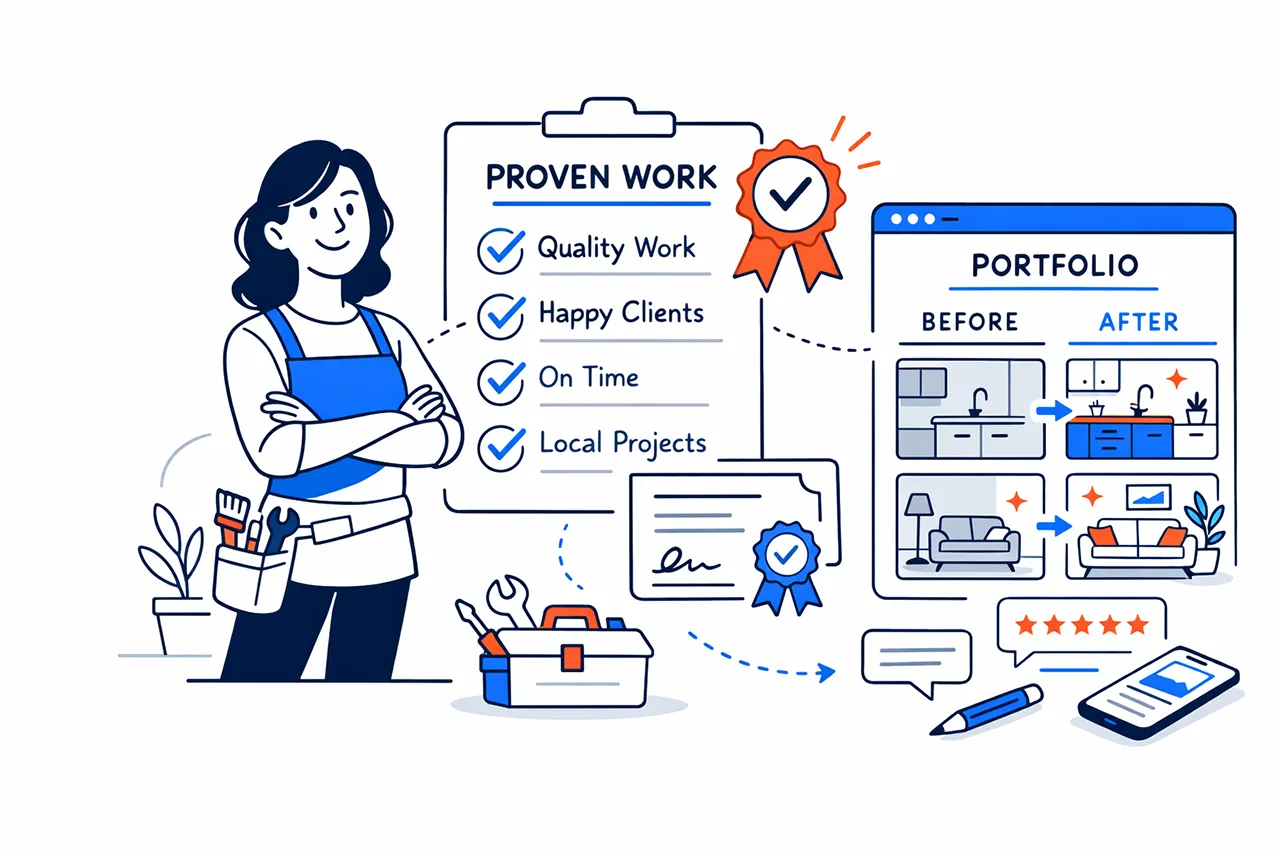
So portfolio posts reassure potential customers that:
- You’ve done this before
- You know what you’re doing
- You understand the process
- You can deliver a good result
This is particularly powerful for:
- Higher-priced services (e.g. refurbishments, treatments, ongoing contracts)
- Services where trust is crucial (e.g. beauty, fitness, finance, home access)
- Competitive industries where many businesses look the same
A portfolio post makes your business feel established, credible, and helps you stand out without you having to sell yourself.
4. Real images make your business feel authentic – which builds trust fast
There’s a massive difference between a website full of stock photos, and one showing real work, real projects, and real outcomes.
Using genuine photos of you or your business at work instantly signals:
- Authenticity
- Pride in your work
- Transparency
- Professionalism
Even if your photos aren’t perfect, don’t worry – they’re often far more persuasive than polished stock imagery because they feel real and honest.
5. They become sales collateral you can send to customers – without being pushy
This is a big one.
A portfolio post doesn’t just act as a piece of marketing – it can also act as effective support to your sales process.
Once jobs and projects are published on your website, you can send it to:
- A potential customer who’s thinking about using you
- Someone asking “Have you done something similar?”
- A customer trying to choose between different options
- Someone who wants inspiration
As well as showcasing your experience, this also saves you from writing long explanations and helps the customer visualise the end result.
For example:
- “Here’s a similar bathroom we did in Dartford – it might help you picture what’s possible.”
- “This project shows the exact kind of finish you mentioned.”
That’s persuasive without being salesy – which can put customers off.
6. They create a natural place for customer reviews and testimonials
A customer testimonial on its own is good.
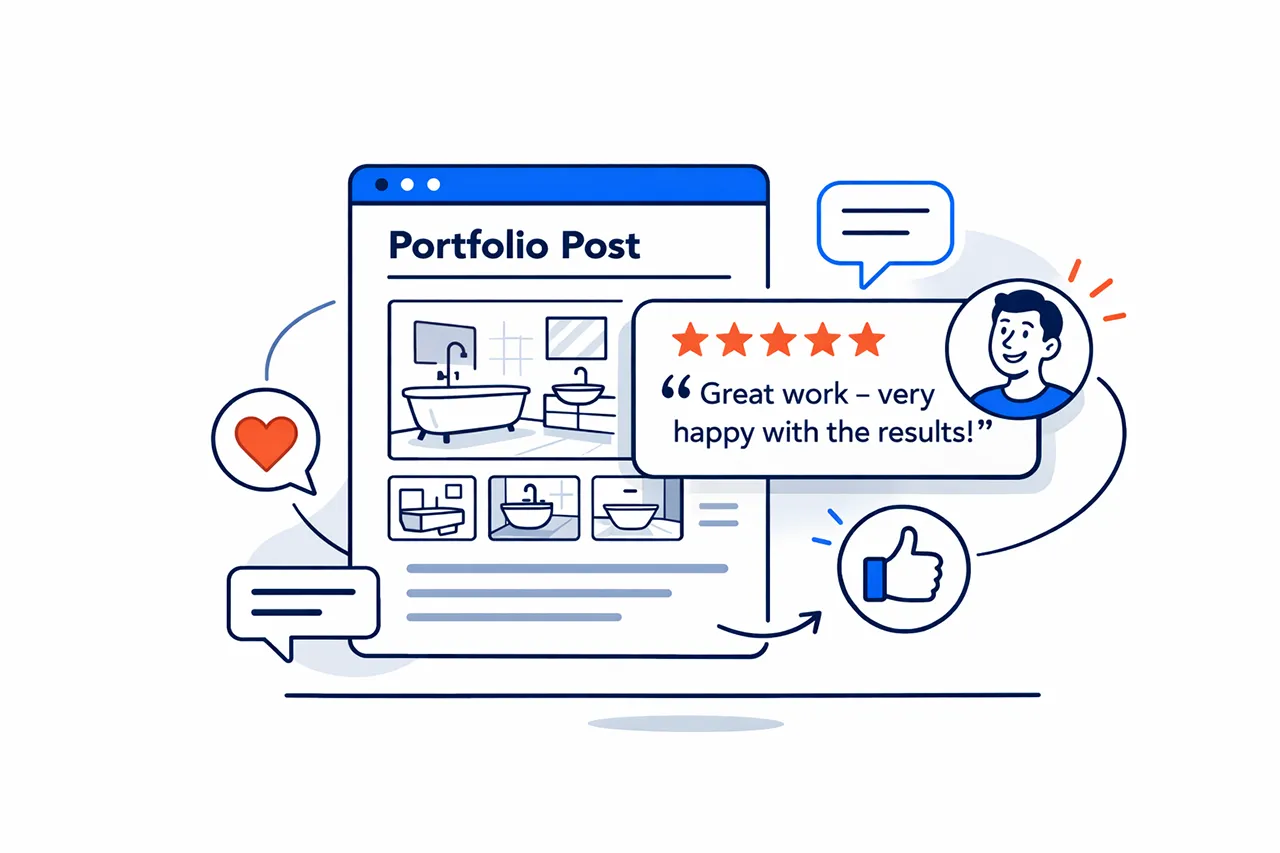
But a testimonial attached to a real project is even better, as it gives the review context:
- What the customer hired you for
- What you delivered
- What the experience was like
- What the outcome was
That combination is incredibly convincing – especially for visitors who are comparing multiple businesses.
If the review is particularly glowing – e.g. “We’re thrilled with the result; great communication and tidy workmanship!” – that can be a tipping point for a potential new customer to get in touch.
7. They give you original content for social media
When it comes to social media, most small business owners struggle with the “What do I post?” conundrum.
Portfolio posts solve that because your work becomes your content plan.
From just one portfolio post, you could create:
- A before/after post
- A short “what we did” caption
- A reel/video slideshow
- A “3 things to consider if you want this” post
- A customer testimonial graphic
And every time you post, you’ve got another opportunity to link back to your website – which is usually where the enquiry happens.
8. They give you original content for your Google Business Profile (GBP)
Your Google Business Profile is one of the biggest drivers of local enquiries – but most businesses barely use it beyond the basics.
Portfolio posts give you ready-made material for:
- Google Business updates
- Photos (with context)
- New links to share
- Posts that prove you’re active
When it comes to sharing your portfolio jobs, here is a simple rhythm that works:
- Publish portfolio post
- Share it on your Google Business Profile as an update
- Link back to the portfolio page
- Add photos from the job to your profile
That keeps your profile active and gives people something engaging to look at when they’re researching your business.
9. They create internal links that strengthen your service pages
Portfolio posts shouldn’t sit hidden away in a corner of your website.
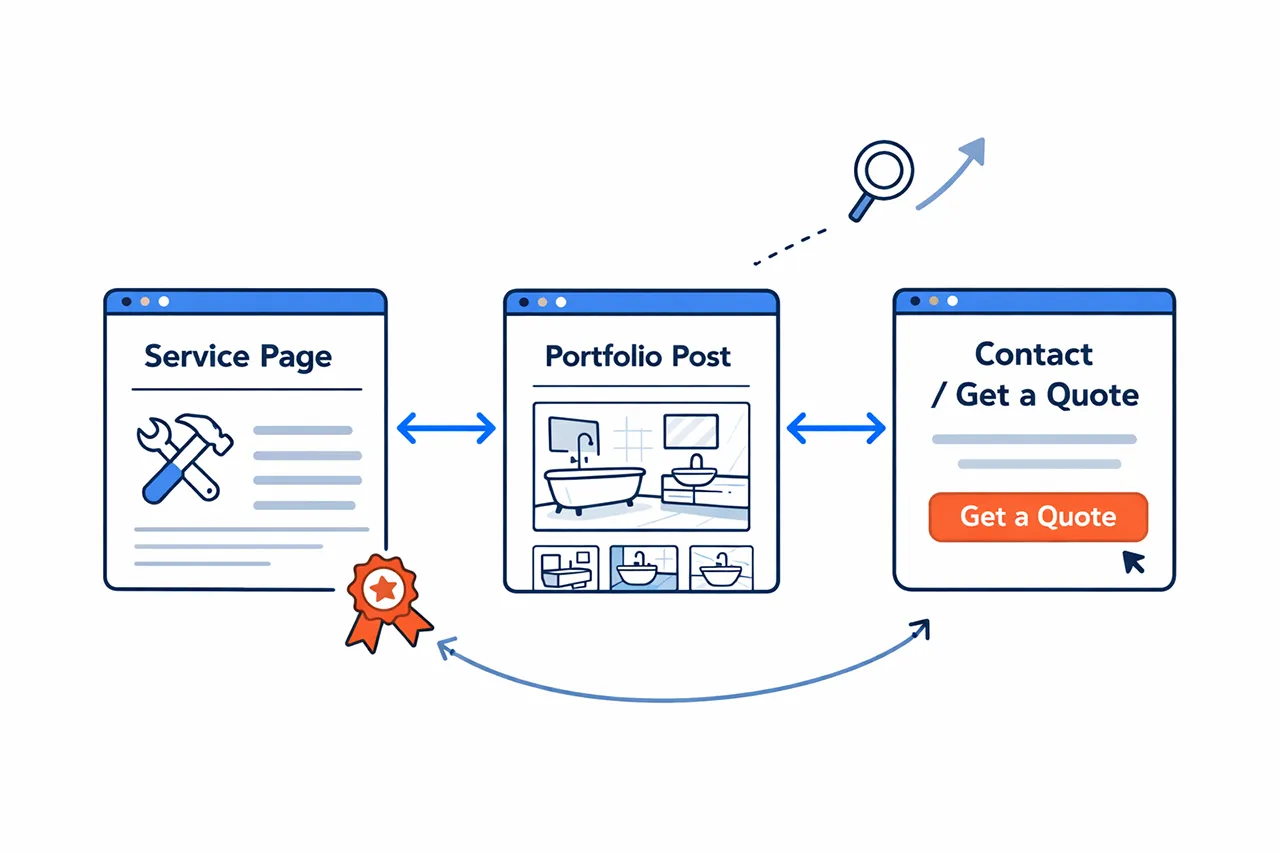
Instead, they should be there to support your key service pages – and vice versa.
On a plumber or builder’s website, for example:
- A portfolio post titled “Bathroom Installation in Dartford” should link to your bathroom installation service page.
- Your bathroom installation service page should link back to a few relevant portfolio posts.
This creates a strong internal linking structure, which can boost SEO because it:
- Helps visitors explore your site
- Helps Google understand what your pages are about
- Improves conversion because people see proof and then enquire
10. They keep people on your website longer (which helps conversions)
For potential and current customers alike, a portfolio post is naturally engaging content:
- Photos
- Story
- Real outcome
- “This could be me”
So visitors often spend longer on these pages than they do on a generic service page – especially when they’ve probably read the same kind of service pages a dozen times before on other websites.
And more time on a website usually means:
- More trust
- More browsing
- More chance of an enquiry
Even if local SEO wasn’t a driving factor, portfolio posts are great conversion content.
11. They help you show your process (which removes fear)
A lot of customers aren’t just buying the end result – they’re also buying the experience.
Their concerns will naturally vary depending on what your business does, but generally they will want to know:
- Will you turn up?
- Will you be tidy?
- Will you communicate?
- Will it take forever?
- Will it be stressful?
- Will you be trustworthy?
Portfolio posts can help put customers’ minds at ease, as they let you show:
- What the process actually looks like
- How long it took
- What steps were involved
- How you handled challenges
This reduces anxiety and makes it easier for someone to contact you.
12. They help you document (and justify) quality
If you’re not the cheapest option, you need to show why you charge what you do.
Portfolio posts help justify your value by showing things like:
- Attention to detail
- Materials used
- Finish level
- Thought process
- Real outcomes
This shifts the conversation away from price and towards quality – which is where most businesses want to be.
13. They make your website feel “alive” – and that boosts trust
A website with no new content for years can accidentally feel abandoned.
Put yourself in the customer’s shoes for a moment: if you were looking for builders for a home extension, would you lean towards a company that hasn’t touched their website in five years, or one that is showing their latest work every other week?
If your website shows recent projects, it creates a sense of ongoing activity – and that reassures visitors straight away. It can make people think:
- “They’re busy”
- “They’re working regularly”
- “They’ve done recent jobs”
For many customers, that’s a subtle but important trust signal.
14. They’re easier to write than blogs – because the work is already done
A lot of business owners avoid content marketing – despite the significant benefits it brings – because they think it means sitting down to write essays, which they simply don’t have time for.
But portfolio posts are much easier to create because you’re not inventing ideas – you’re documenting real jobs.
To help you sketch out a template for your posts to speed up the process, here’s a simple formula you can use:
- What the customer needed
- What you did
- Where you did it
- What the result was
- A few photos
- A testimonial if possible
That’s it. That’s all you need. Honestly.
If you’d like, you can send me one portfolio job (photos + a couple of details) and I’ll show you what a well-structured post could look like for your business.
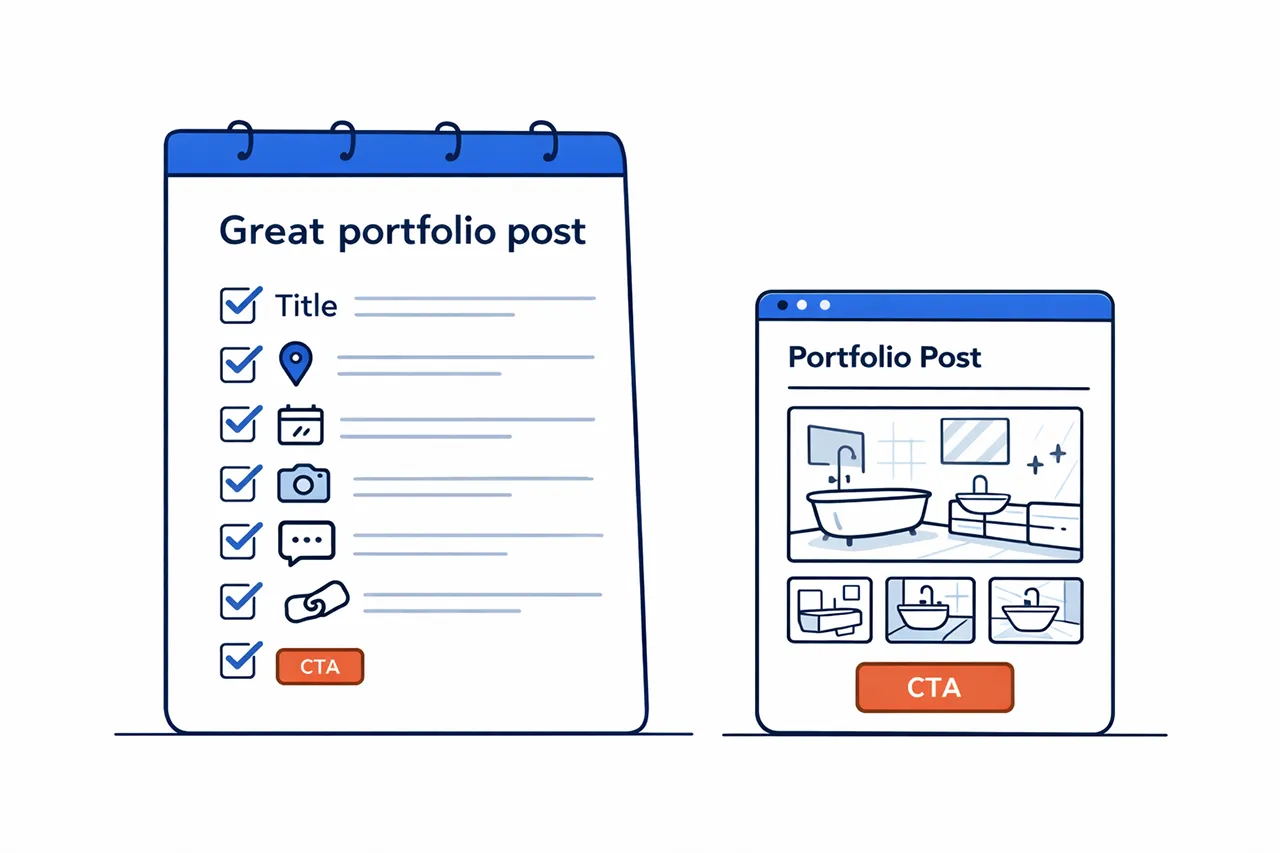
What should a great portfolio post include?
Here’s a practical checklist you can follow.
A. A strong title
Use service + location, e.g:
- “Kitchen extension in Sevenoaks”
- “Bespoke garden office in Erith”
B. A short intro (2–4 sentences)
Explain the problem and the goal:
- “The customer wanted…”
- “The main challenge was…”
- “The goal was…”
C. Key details
Keep these simple (not technical) and directly relevant to the job:
- Date
- Location
- Timescale
- Type of property (if relevant)
- Materials/brands (if useful)
- Any constraints (access, layout, budget)
D. More in-depth information
Discuss the job in a bit more detail, expanding on the problem, your process, and the end result to showcase your credibility and expertise.
Remember to not be afraid of being too specific – as often it’s exactly that level of information that customers want to know and is great for local SEO.
E. Photos (real ones!)
- Before (if possible)
- During (optional)
- After (always)
F. A testimonial/review (if available)
Once you have this review from the customer, you could also ask them to leave it on your Google Business Profile (or review platform of choice) to get more benefit from it.
G. A clear next step
Whatever you do, don’t leave the customer at a dead end.
You could:
- Link to a relevant service page
- Have a call to action (“Interested in having something like this?”)
- Include easy “Get a quote” or “Tap to message us on WhatsApp” buttons
Quick template you can copy and paste
Intro: “We recently completed a [service] in [location]. The customer wanted [goal], but the main challenge was [challenge]. Here’s how we approached it – and how it turned out.”
What we did: “We [brief process in 3–5 lines].”
Result: “The end result was [outcome/benefit], and the customer was especially pleased with [detail].”
Common mistakes to avoid with portfolio posts
1. Only posting photos with no context
Photos are great – but the text matters for SEO and trust. So never forget to add a short explanation.
2. Calling every post “Recent Work”
This completely wastes your SEO opportunity – so make the portfolio title specific.
3. Forgetting the location
If you want local SEO benefits, ensure you include the town/area naturally in the title and intro.
4. Not linking to your service page
Portfolio builds trust – but service pages convert. So connect them.
5. Writing like a robot
If you use AI to speed things up, always rewrite it in your own voice and add the real job details – that’s the bit customers (and Google) actually care about.
How often should you publish portfolio posts to get local SEO benefits?
I know how busy you are as a small business owner – so committing to regular portfolio posts might feel like just another plate to spin.
But if you’re consistent, even a small amount goes a long way.
A realistic target for most local businesses could be:
- 2 portfolio posts per month if you’re busy
- 1 per month if you’re time-poor
- 1 per completed “ideal job” if you want to be strategic
Quality matters more than volume; a portfolio of 12 strong project posts can outperform 50 thin ones.
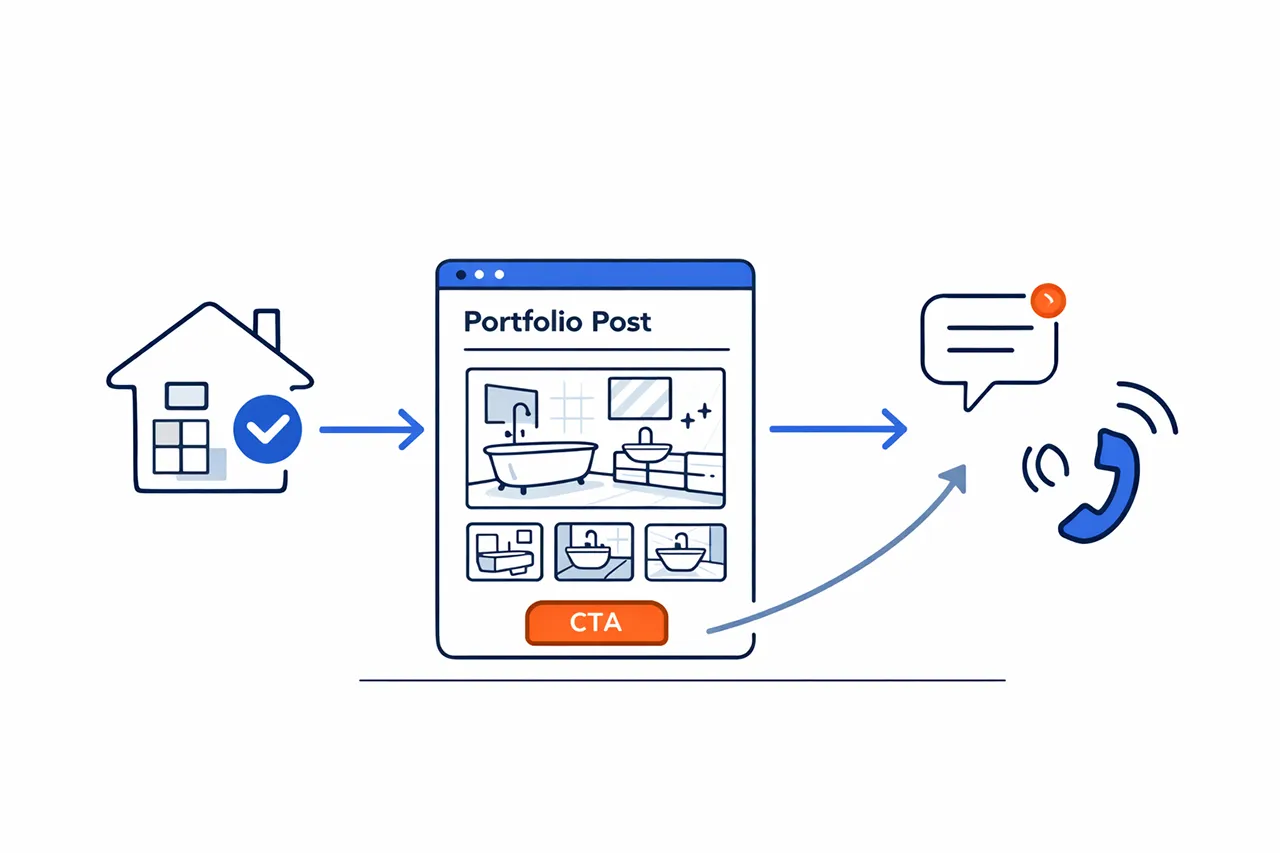
Final thought: Your work is your best marketing
If you’re a local service business, portfolio posts are one of the most practical, persuasive, and SEO-friendly content types you can publish.
They help you:
- Rank for local searches
- Build credibility
- Prove your quality
- Create content for your social media channels and Google Business Profile
- Support sales conversations
- Turn visitors into enquiries
And because the content is based on real work you’re already doing, it’s one of the easiest ways to build your website over time.
Want me to help you turn your work into content that brings enquiries?
If you like the idea of portfolio posts, but don’t want the hassle of writing them, I can help.
As part of my content marketing services for small businesses, I can take your photos and a few quick details (even a WhatsApp voice note is fine) and turn them into professional portfolio posts that are:
- Optimised for local SEO
- Structured to build trust
- Designed to lead people towards an enquiry
Drop me a message and I’ll recommend a simple, realistic posting plan based on your services and the areas you want more work from.